AI-Assisted Development
Interview Guide Custom Interaction
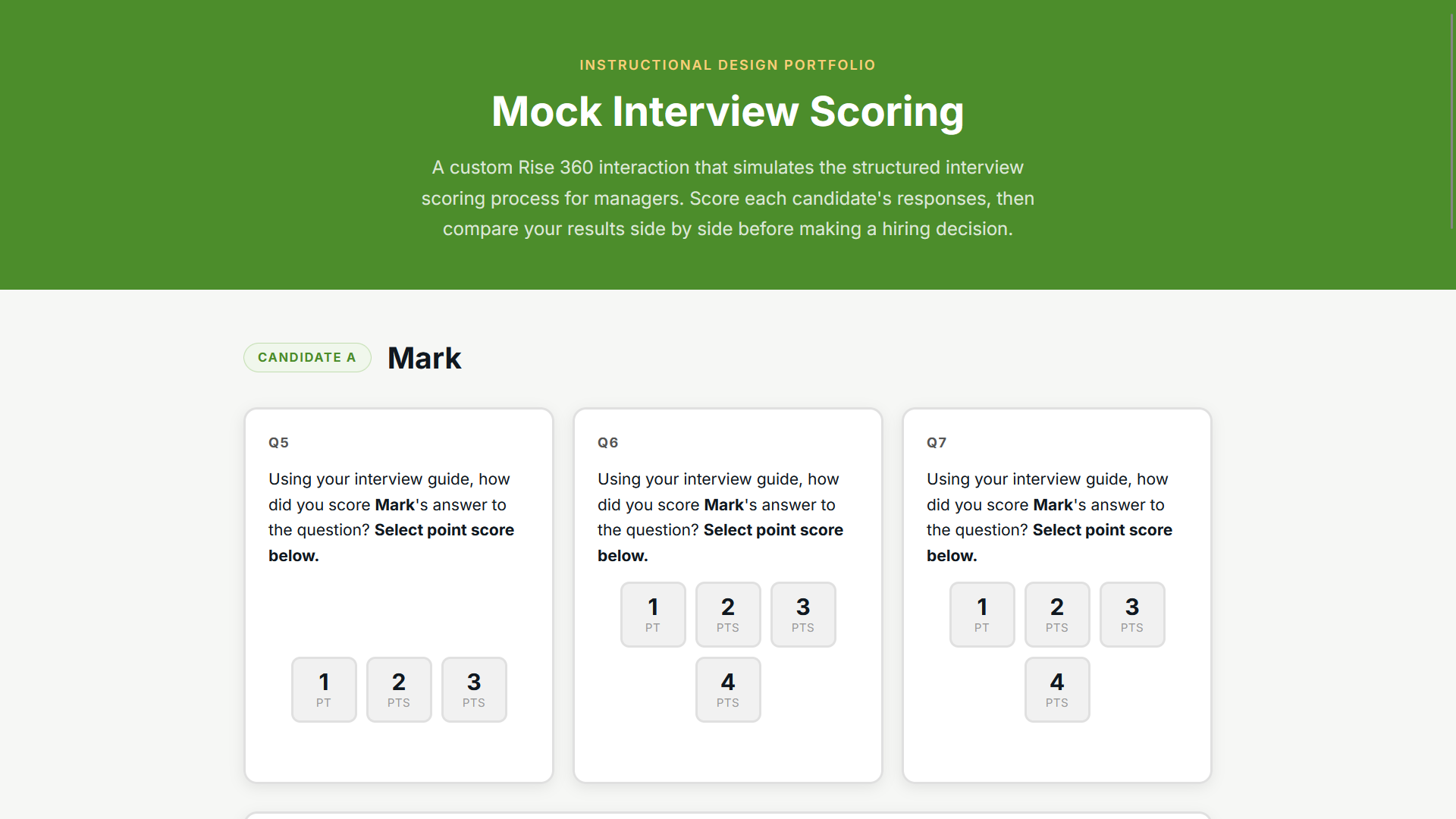
Type: Custom-coded interaction (Rise custom code block) · Role: Instructional Designer / Developer · Tools: Articulate Rise 360, HTML/CSS/JavaScript, AI-assisted development (Claude) Live: https://cermin3r.github.io/interview-guide-course-interactions/
Overview An interactive, scenario-based hiring exercise built inside a course that trains leaders to select the best candidates — designed to launch ahead of the company's peak hiring season.
The Problem The company needed hiring managers ready to evaluate candidates consistently and well before a high-volume hiring push. Reading about good interviewing isn't enough; managers needed to practice scoring real answers and making defensible decisions. This was also the first course where my team set out to push past standard Rise blocks, timed to coincide with Rise's newly released custom code blocks.
Constraints It had to ship before the busy season, work within a live Rise course, and — as our team's first custom-code effort — prove the approach was viable and repeatable. It also had to reinforce a companion tool (the Interview Guide) rather than compete with it.
My Role & Process I designed and built the interaction, and I used AI-assisted development (Claude) to accelerate the build while keeping a high bar on the learner experience. The exercise was intentionally paired with an Interview Guide I developed alongside it, so learners practiced the exact workflow they'd use on the job: guide in hand, scoring candidates against specific questions.
The Solution A custom interaction where learners rate fictional candidates' answers to set interview questions using the Interview Guide, then make a hiring decision based on the resulting scores. It turns an abstract skill — structured, criteria-based interviewing — into hands-on practice with immediate context. This example is a modified version that demonstrates how the custom code works.
Results The project proved out custom code blocks as a new capability for the team and delivered a practice-based hiring exercise ahead of peak season.
Click the image or button below to try out the interaction.